Illuminated Octopus Arm Install // Non-Planar 3D Printing
A custom non-planar slicer, built to 3D print giant illuminated octopus arms from recycled PETG. webslicer.pages.dev
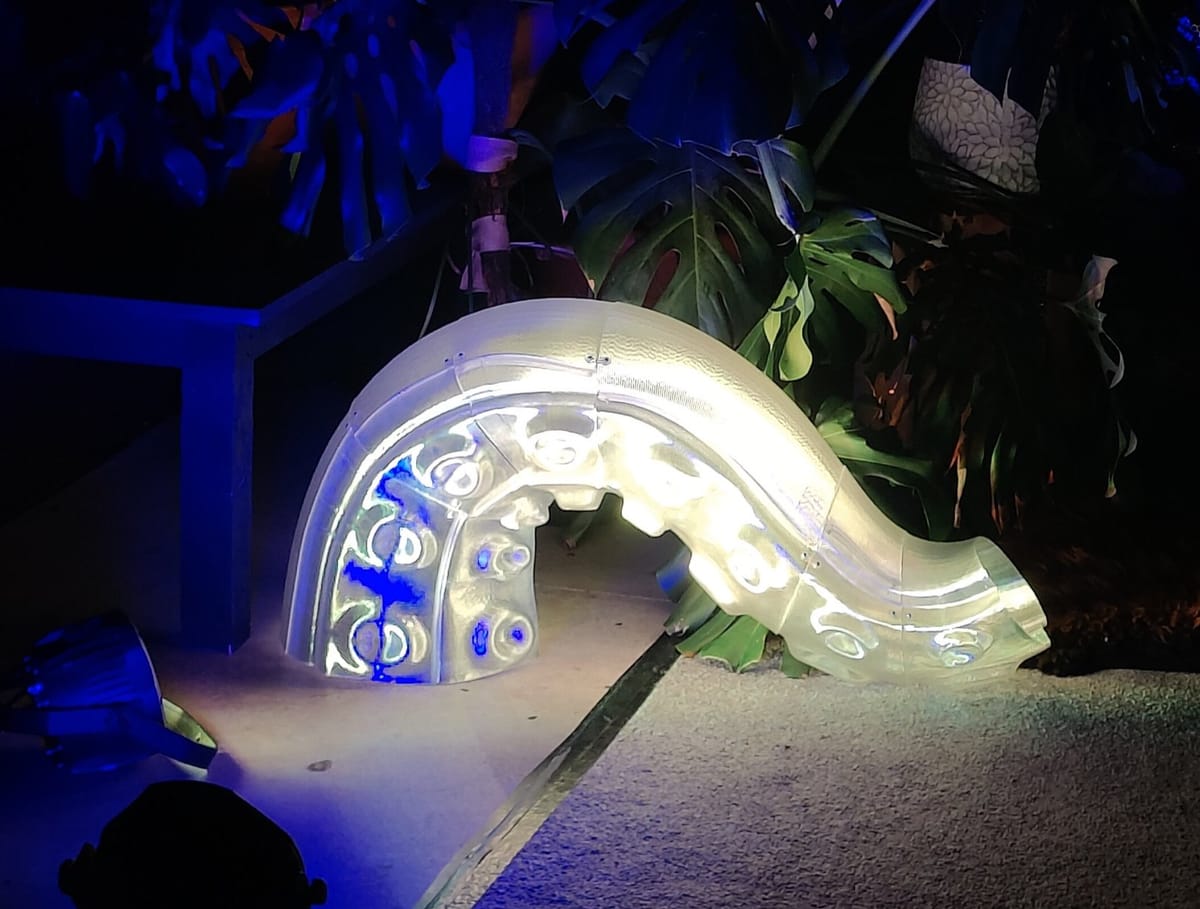
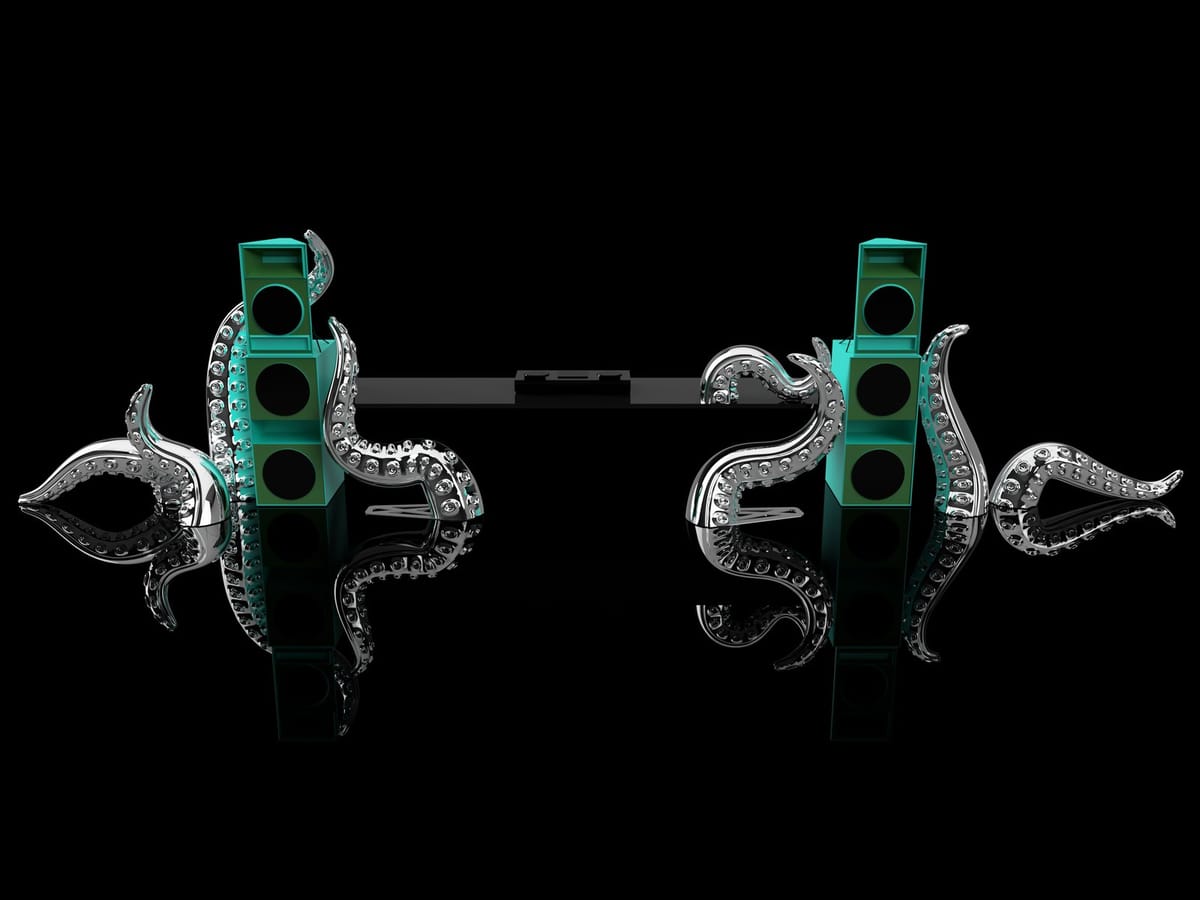
My need to explore non-planar 3D printing emerged as part of a commissioned installation to create a set of large illuminated octopus arms.
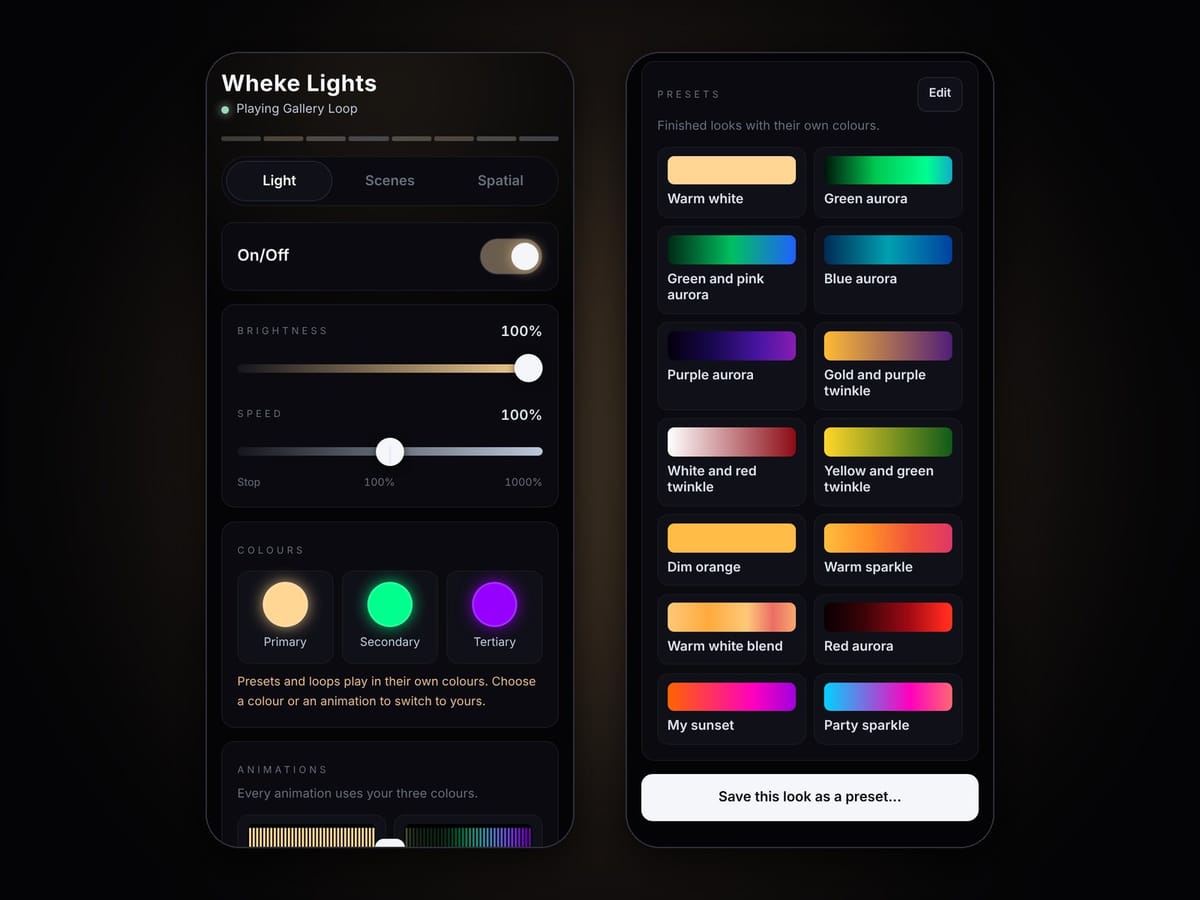
This commission focused on delivering a portable, animated and dazzling visual art piece bringing life to a stage, dancefloor or music studio.
The soundsystem this piece was designed to pair with is dubbed Wheke Sound, after New Zealand's largest octopus species and a giant sea monster in traditional Māori legend.
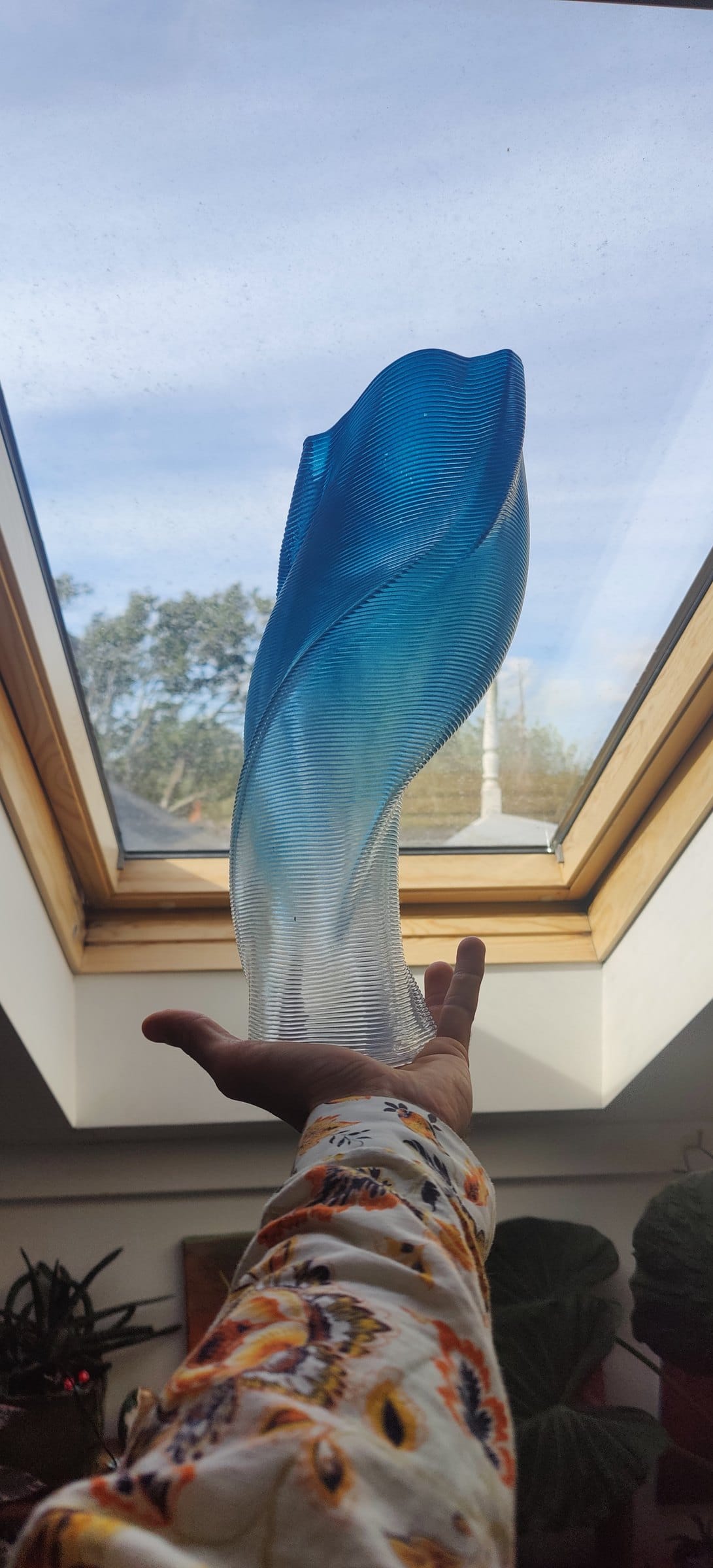
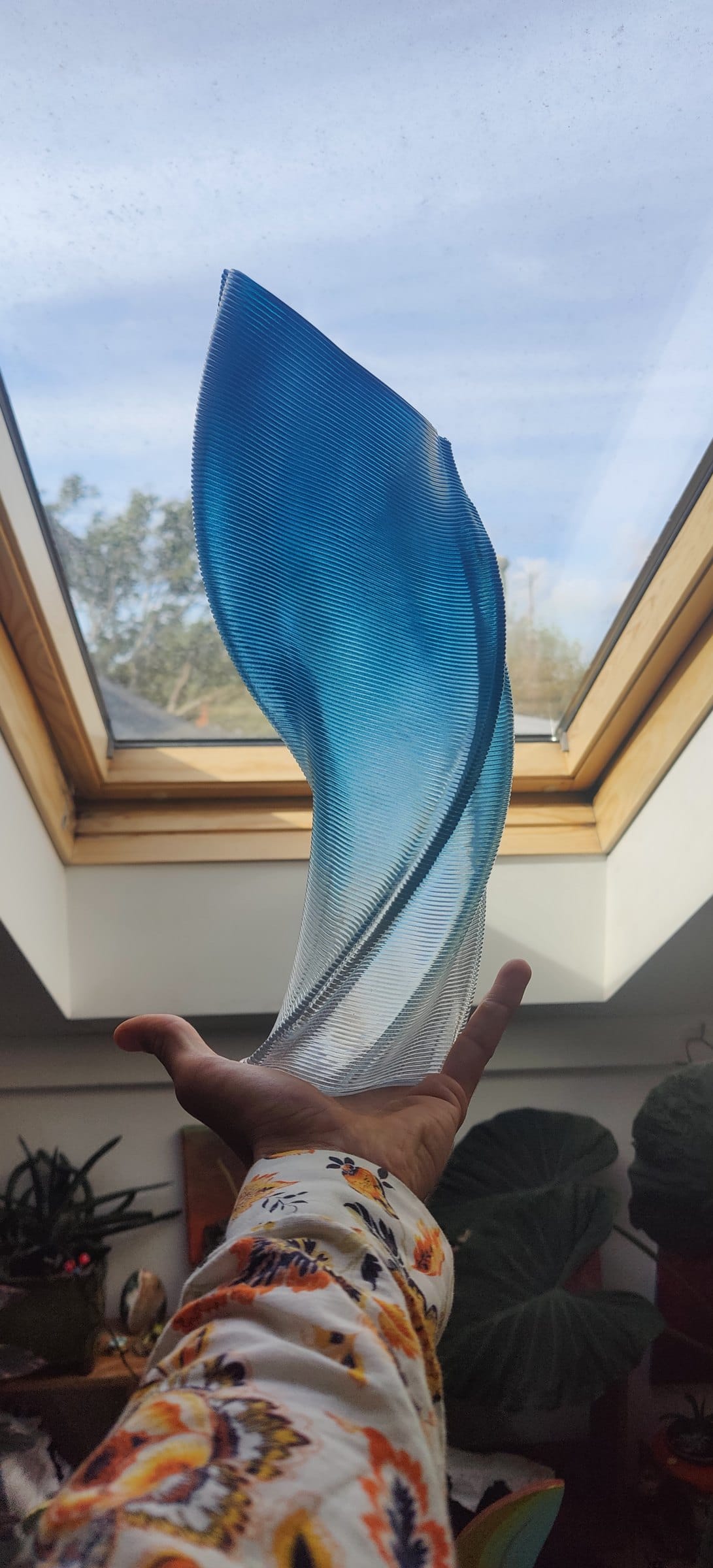
I decided to use recycled PETG to 3D print these arms. Because visual effect is at the heart of this piece, I wanted layer lines to be continuous along the length of the arms, adjusting to the curvature.
This required slicing GCODE in a completely new way, as all available slicers only allowed for items to be printed in flat, planar layers.
I created a non-planar slicing tool to run in my browser for this task, I tested and developed this tool over the course of a few weeks of printing.
See images for examples of how this functions and the additional features I've implemented over time.
Full list of features:
Core non-planar slicing
- Layers generated from a harmonic scalar field solved across the input mesh (cotangent Laplacian), so print layers are smooth curved isolines as opposed to flat Z-slices
- Vase/tube mode - creates a continuous spiral toolpath for open tubes
- Surface mode - creates continuous serpentine GCODE for single-wall open sheets, layer lines running side-to-side and climbing from bottom to top
- Adaptive layer height - vertical layer thickness adapts to local geometry
- Surface conformity control - blends between hugging the surface exactly and even planar layers
- Layer steepness cap, layer density targeting, and path smoothing
Overhang & bridging
- Overhang slowdown - print speed scales with how far a line reaches into mid-air, so filament cools before it lands
- Square-wave bridged shelf - crenellated bridges that span gaps between layer lines, with perpendicular strands and interlocking layers (no double-deposition)
- Hysteresis trigger - bridging activates only on large holes and then fills them completely, ignoring small gaps
- Bridge strand thickness, tooth spacing, speed cap, and a dwell-at-turn setting to let strands solidify
- Overhang reduction - optional mesh pre-process that relaxes surfaces steeper than a set angle
Mesh preparation
- Uniform isotropic remesh - split/collapse plus surface-preserving tangential relaxation; evens out triangle sizes without deforming the part
- Mesh reduction - decimate to a target % of triangles
- Automatic mesh repair - welds duplicates, removes degenerate faces, splits bow-tie/pinch vertices, fills spurious holes; runs automatically before boundary analysis
- Topology diagnostics - reports boundary loops and which slicing mode the mesh suits
- Bed-face reorientation - flip the model onto any flat face to print upside down
- Export the repaired mesh as STL
Part preparation
- Vase splitter - cut a tall part into printable segments with join flanges
- Stacking flange generator - adds a filleted, angled spigot to the top rim (perpendicular or tangent-to-surface) for stacking multi-part builds
- Sequential multi-part printing - several models in one job with lift-and-travel between parts
Viewer & diagnostics
- Real-time 3D preview of mesh and toolpath, with travel moves and triangle wireframe
- Colour-by layer height, speed, or volumetric flow
- Nozzle model with drag-positioning, Z-offset, and layer-tilt/clearance warnings
- GCODE inspector - layer slider, within-layer scrub, single-move stepping, and a live readout of the exact GCODE line and command
- Post-slice verification (surface match and self-overlap checks)
Output & delivery
- Klipper-flavoured GCODE with relative extrusion, configurable start/end scripts, retraction, temperatures and fan
- Print statistics - filament length/mass, estimated time, max Z
- Runs entirely in the browser via Pyodide (WASM CPython) — models never leave the user's machine - plus a local desktop version
- Licensed distribution with a free demo on bundled example models